Bumpr Extension for Safari
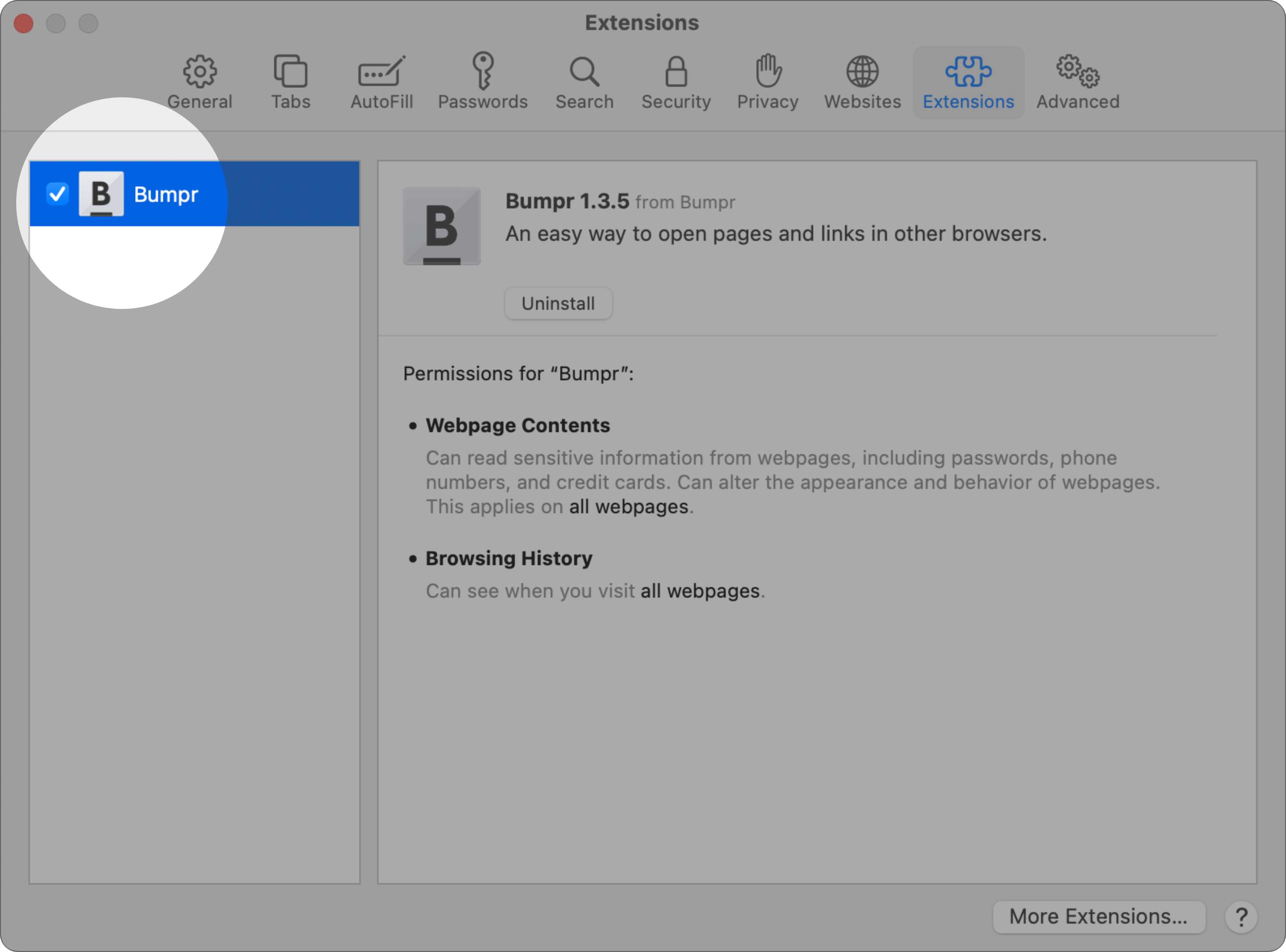
First, open Safari’s Preferences and check this box
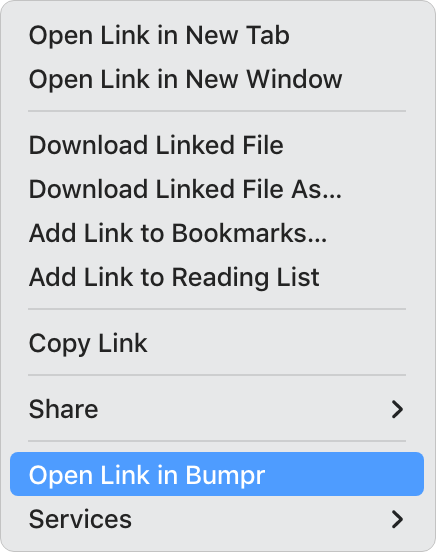
You can now right-click any link in Safari and select Open Link in Bumpr.
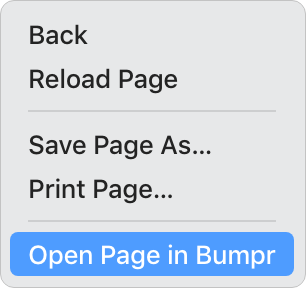
You can also right-click on the current page in Safari and select Open Page in Bumpr.
Last but not least: you can also click on the Bumpr button in Safari’s toolbar to open that page in Bumpr.

Need help?
If the Bumpr extension doesn’t appear in the Safari extensions pane, make sure that Bumpr is located in your Applications directory. Then try restarting Safari. If that doesn’t work or you have additional questions, check our FAQs.